ChatViewer — a chat export you can read again
A chat export from a messenger is an archive, not a document: Telegram hands over a result.json of dozens of megabytes, WhatsApp a text file in which every line starts with a date, with the photos lying next to it in a separate heap. It can be read, but not with your eyes. ChatViewer parses both exports and shows them the way they looked in the messenger.
The source code is open: github.com/GhostCorpTech/chat-viewer — open it and see for yourself.
How it looks
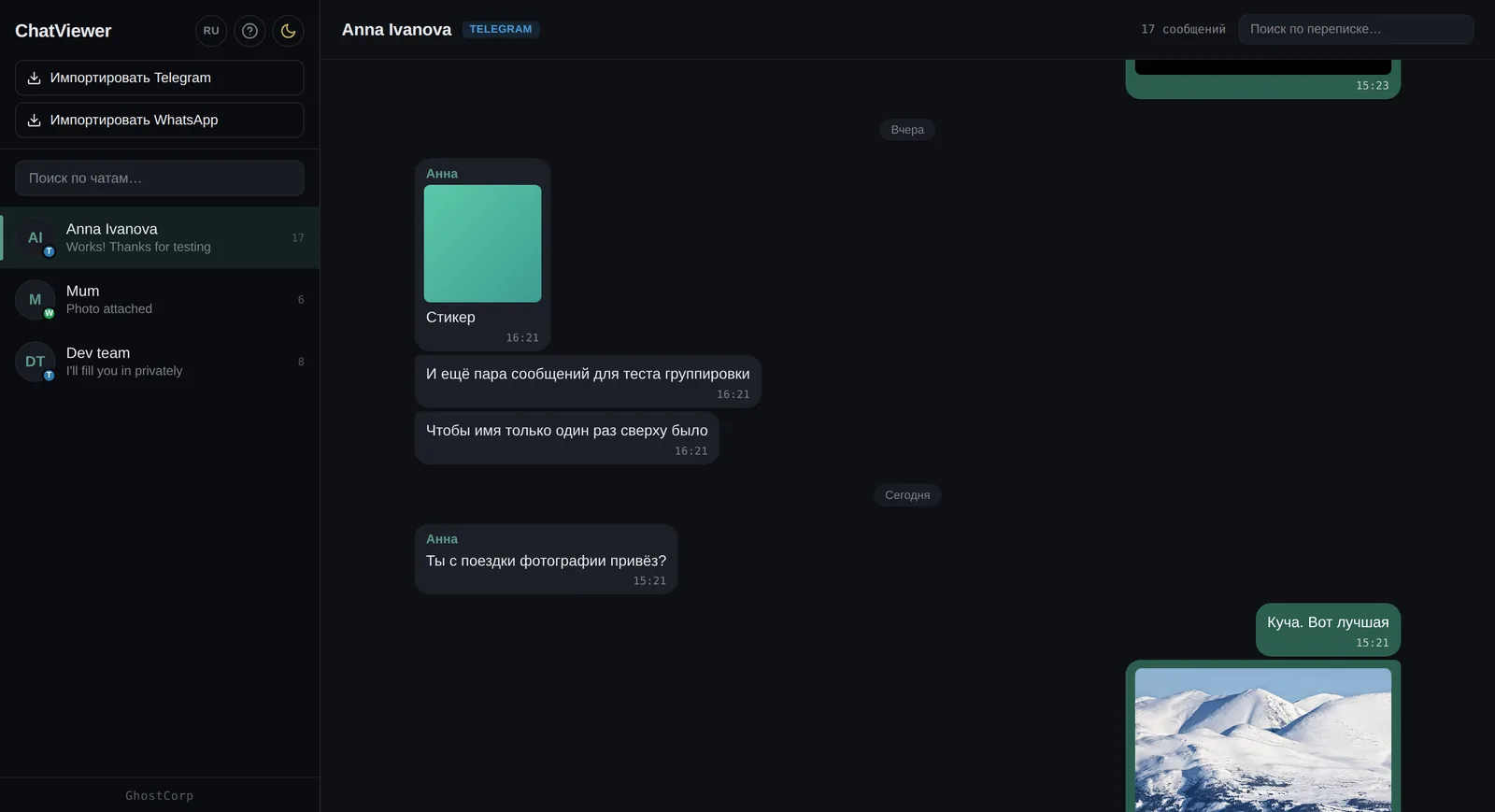
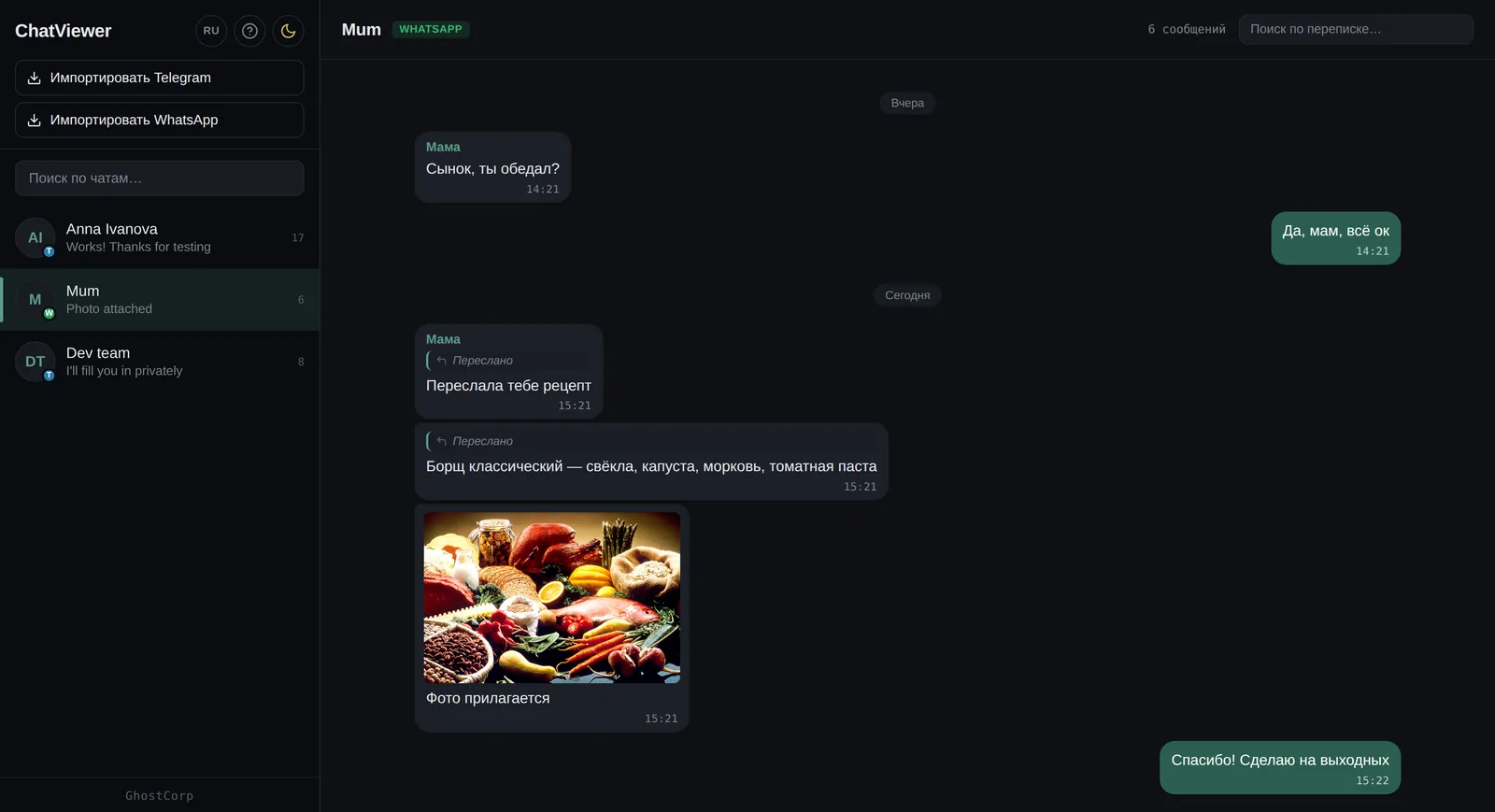

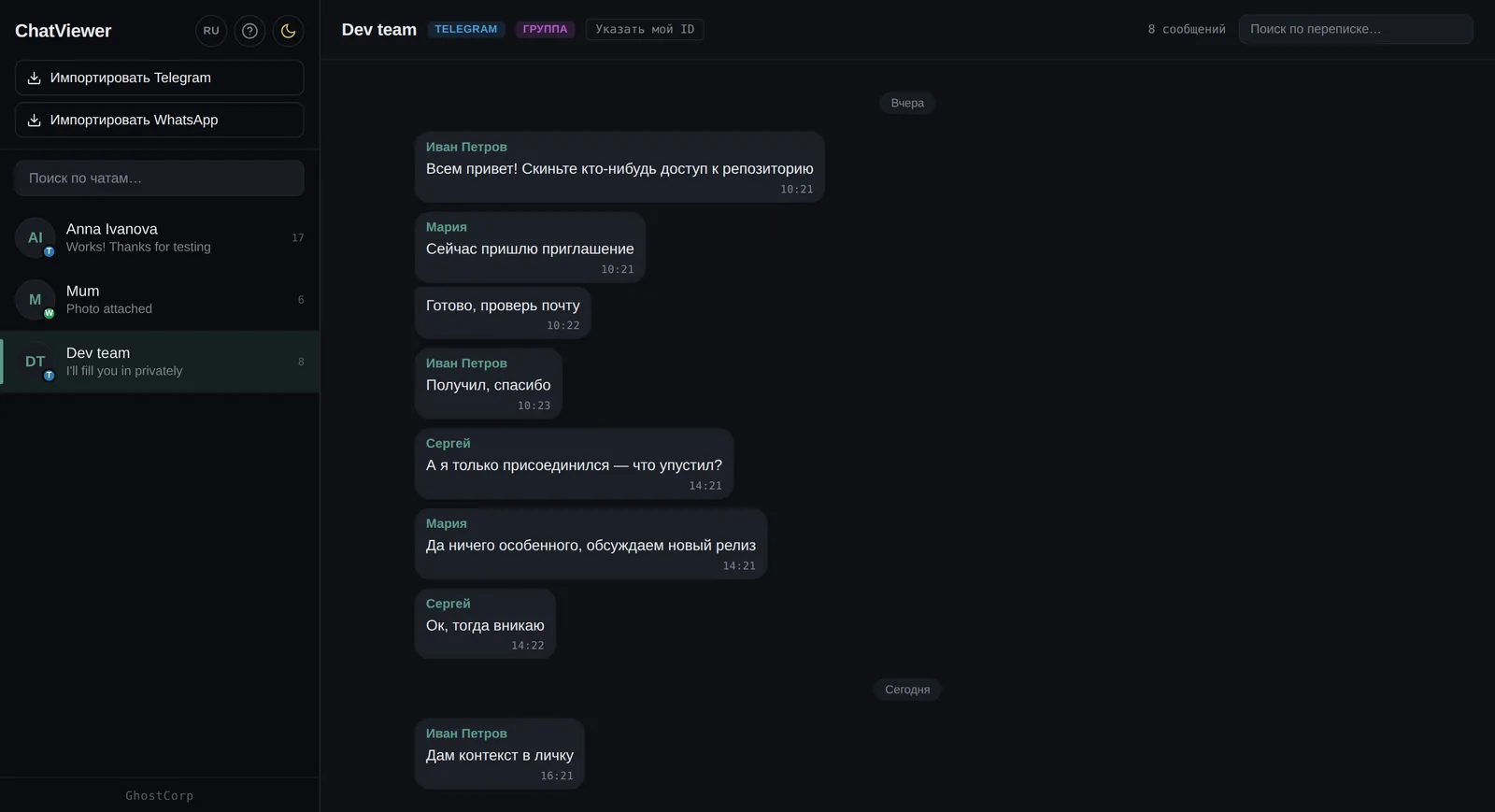
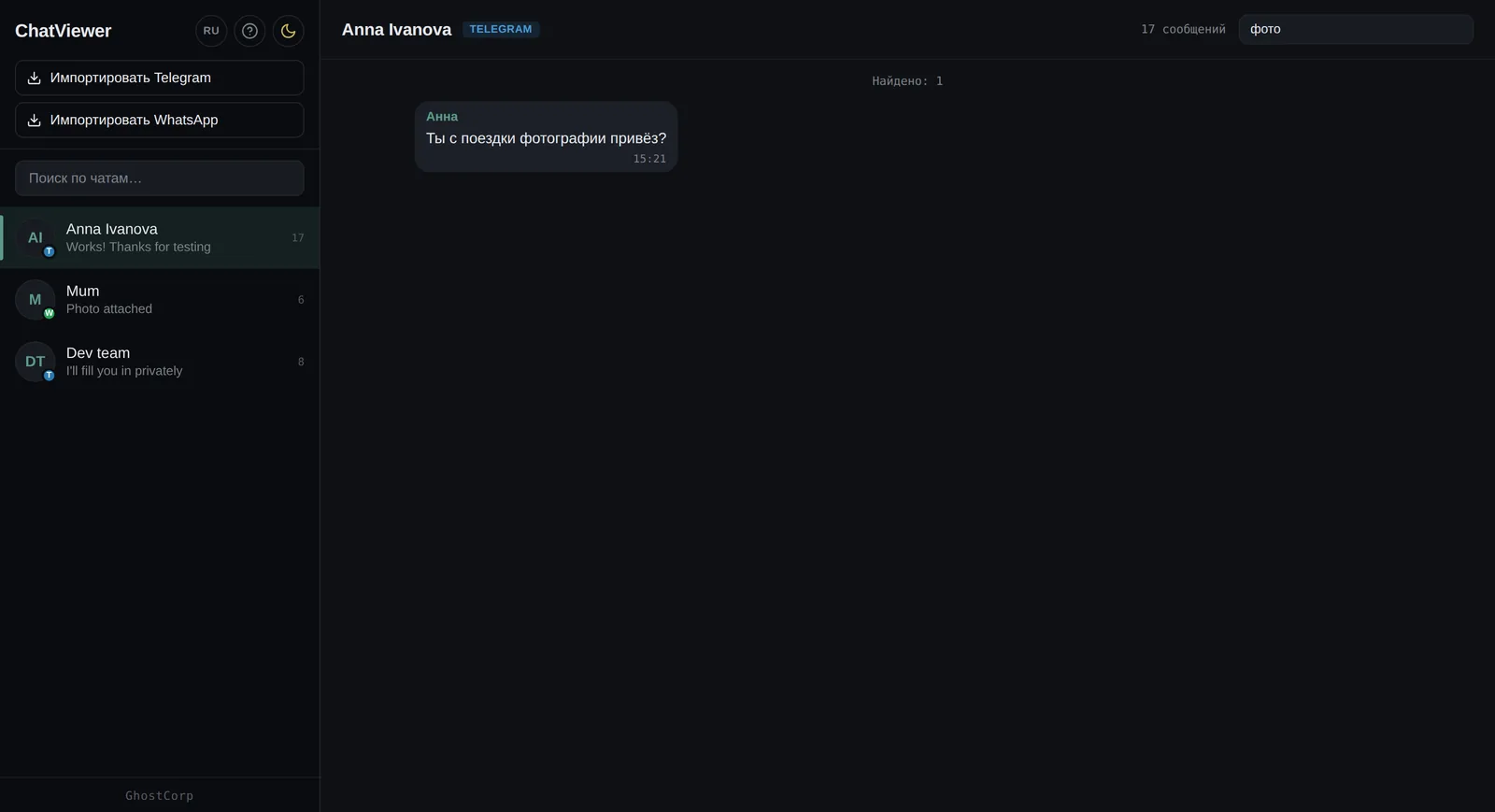
What the product does
- Two formats: result.json from Telegram and .txt from WhatsApp; every import is a separate chat in the list
- Messages are grouped by author, and days are separated: “Today”, “Yesterday” or the date
- Photos, videos, video notes and voice messages open right in the feed, pictures in a lightbox
- Animated .tgs stickers are unpacked and played as Lottie
- Search by chat name in the list and by text inside an open conversation
- Light and dark themes, a Russian and an English interface
- Group chats are detected automatically, and your own messages move to the right by your from_id
- Service messages about people joining and leaving are filtered out, and forwarded ones are marked
Two formats, one shape of a message
A Telegram export is structured JSON: the type of every message is known, who forwarded it, which sticker it is and how long a voice message lasts. A WhatsApp export is plain text, where the type of an attachment has to be guessed from the file extension, and a forwarded message is marked with the word “Forwarded” without naming the author.
The parsers are different, but both reduce a message to one shape: direction, sender, text, attachment type, file path, time. From that point the database and the whole interface no longer know which messenger the data came from — so a third format is added as one module, not by rewriting the app.
Nothing leaves your computer
The app does not make a single network request. There is no account, no server and no telemetry: the parsed messages sit in a SQLite file in the user’s profile, and the media stays where the messenger put it.
This is not a position for the sake of a position but a requirement of the task. People export a conversation when they need it for something serious, and uploading it to someone else’s cloud for the convenience of reading is exactly what must not be done.
Media is read from the disk, not copied
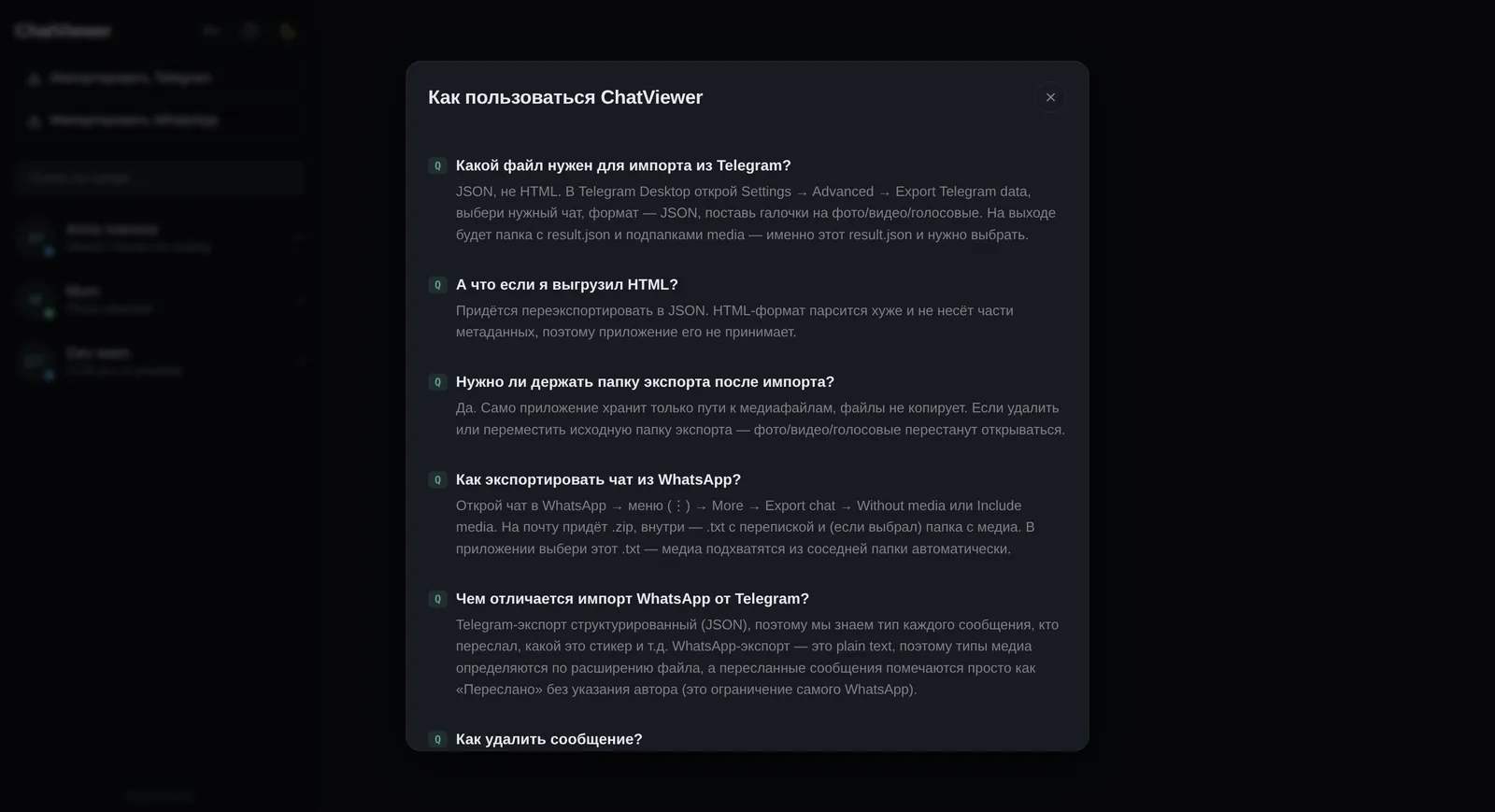
An archive of several years of conversation is gigabytes of photos and videos. The app stores the paths to them, not the files themselves: an import takes seconds and does not double the space on your disk.
The flip side is stated right in the interface: if the export folder is moved or deleted, the text stays, but the media stops opening. It is more honest to say so in advance than to leave a person with broken pictures six months later.
Groups in which it is unclear which one is you
A group chat export does not mark which participant owns the archive. The app detects a group on its own when there are more than two people talking, and by default puts all messages on the left: honest, but inconvenient.
That is why the chat header has “Set my ID”: paste your from_id from result.json, and your messages move to the right, as in a real messenger. One button instead of an algorithm’s guesswork.
A proper app, not a web page
The interface is built with React, and the parsing of exports, the database and the unpacking of .tgs are written in Rust; Tauri ties them together. This choice gives a native window and an installer weighing a few megabytes instead of the hundred that Electron would take.
The code is open under MIT and lives on GitHub: the installer is built with one command, and releases are built on GitHub Actions. Windows 10 and 11 is the only platform with packaging; the stack itself is cross-platform.
How it is built
- 1 Import You choose result.json from a Telegram export or the .txt from WhatsApp — the app finds the rest itself
- 2 Parsing Two parsers written in Rust bring the different formats to one shape: who, to whom, when, what, and which attachment
- 3 Storage The parsed messages go into a local SQLite database on your disk — not into the cloud
- 4 Media Photos, videos, video notes, voice messages and stickers are read straight from the export folder, not copied
- 5 Reading The conversation opens as a feed: grouped by author, with day separators, search and a lightbox
What it is built with
Need something similar?
Tell us what is happening on your side now. Scoping and the estimate are free and commit you to nothing.